
Microsoft Gives Users More Control Over Text Predictions in Word and Outlook
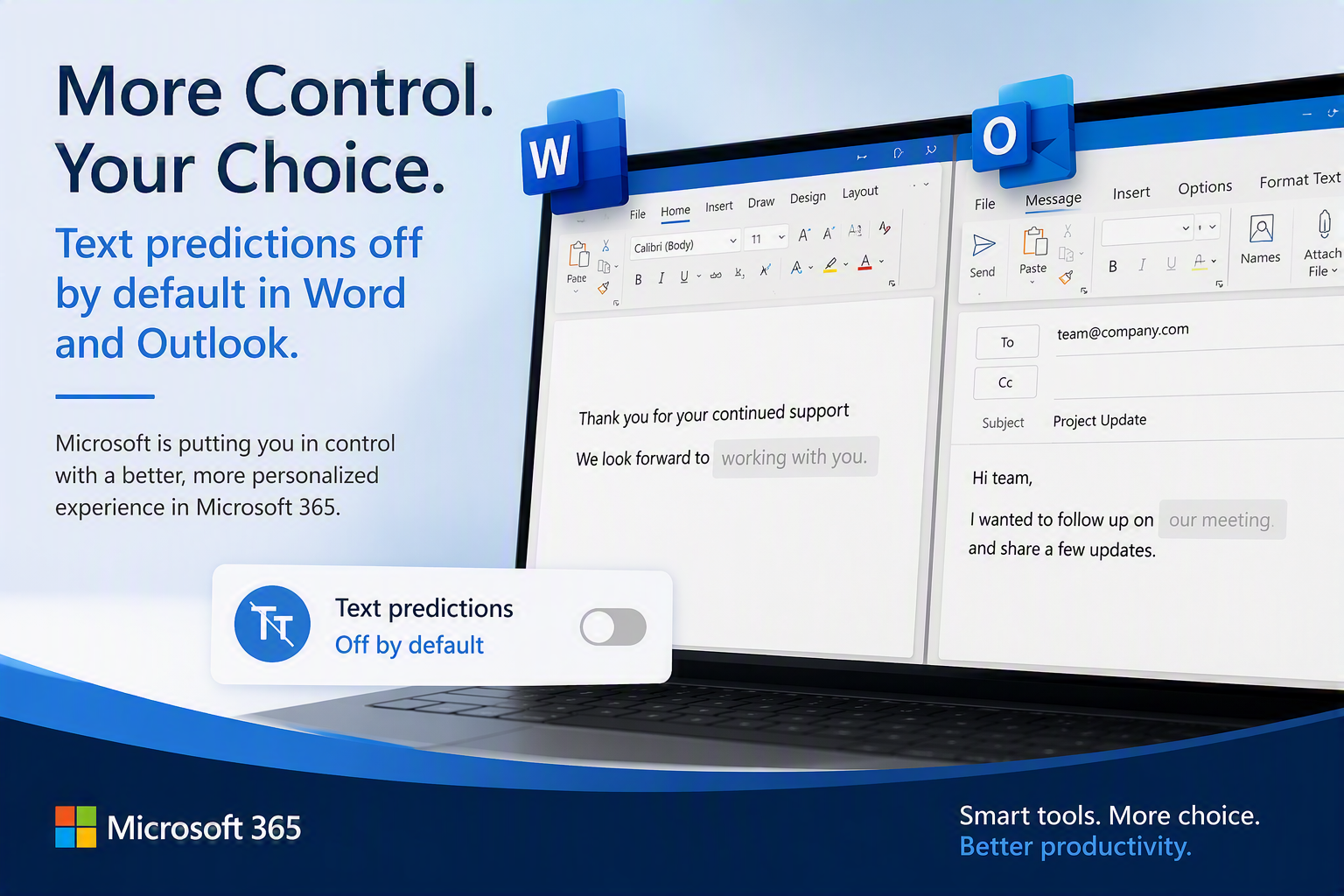
Microsoft is making a small but noticeable change to the way people work in Word and Outlook. The company announced that text predictions, the gray text suggestions that appear as you type, will now be turned off by default for many users.
While this is not a major security or productivity update, it reflects Microsoft's continued focus on creating more personalized and user-controlled experiences across Microsoft 365.
What Are Text Predictions?
Text predictions are the suggested words or phrases that appear while you're typing an email or document. Users can accept the suggestion with a keystroke, helping them complete sentences more quickly.
For some people, these suggestions improve efficiency and reduce repetitive typing. Others find them distracting or simply prefer to write without assistance.
What's Changing?
Microsoft is changing the default experience so that text predictions will be turned off rather than automatically enabled. Users who find the feature helpful can still turn it on through their Word or Outlook settings at any time.
The goal is to give users greater control over how they work and to ensure features are used intentionally based on personal preference.
Will This Affect Your Organization?
Most organizations should experience little to no disruption from this change.
However, users who have become accustomed to seeing predictive text suggestions may notice that they no longer appear. If productivity features suddenly seem different, this update may be the reason.
For IT teams, this is another example of Microsoft's ongoing efforts to refine the user experience while allowing organizations and individuals to choose the level of assistance that works best for them.
Text Predictions vs. Microsoft 365 Copilot
It's important to understand that text predictions and Microsoft 365 Copilot are different technologies.
Text Predictions
Suggest words or short phrases as you type
Primarily designed to speed up writing
Work within the current sentence being written
Microsoft 365 Copilot
Uses AI to generate content, summarize information, answer questions, and assist with tasks
Can create drafts, analyze data, generate meeting recaps, and much more
Provides broader productivity assistance across Microsoft 365
While Microsoft continues to invest heavily in AI-powered tools like Copilot, this update simply changes how one specific typing assistance feature is presented to users.
RMON's Take
This change won't have a significant impact on most businesses, but it serves as a reminder that Microsoft continually evolves the Microsoft 365 experience. Staying informed about these changes helps organizations maintain productivity, reduce confusion, and take advantage of the tools that best fit their workforce.
If your organization has questions about Microsoft 365 settings, user adoption, security enhancements, or Microsoft Copilot readiness, the RMON team is here to help.
Need guidance on getting more value from Microsoft 365? Contact RMON Networks to learn how we help organizations improve productivity, security, and user experience across their Microsoft environment.