
SQL Server 2016 Has Reached End of Support: What Businesses Need to Do Next
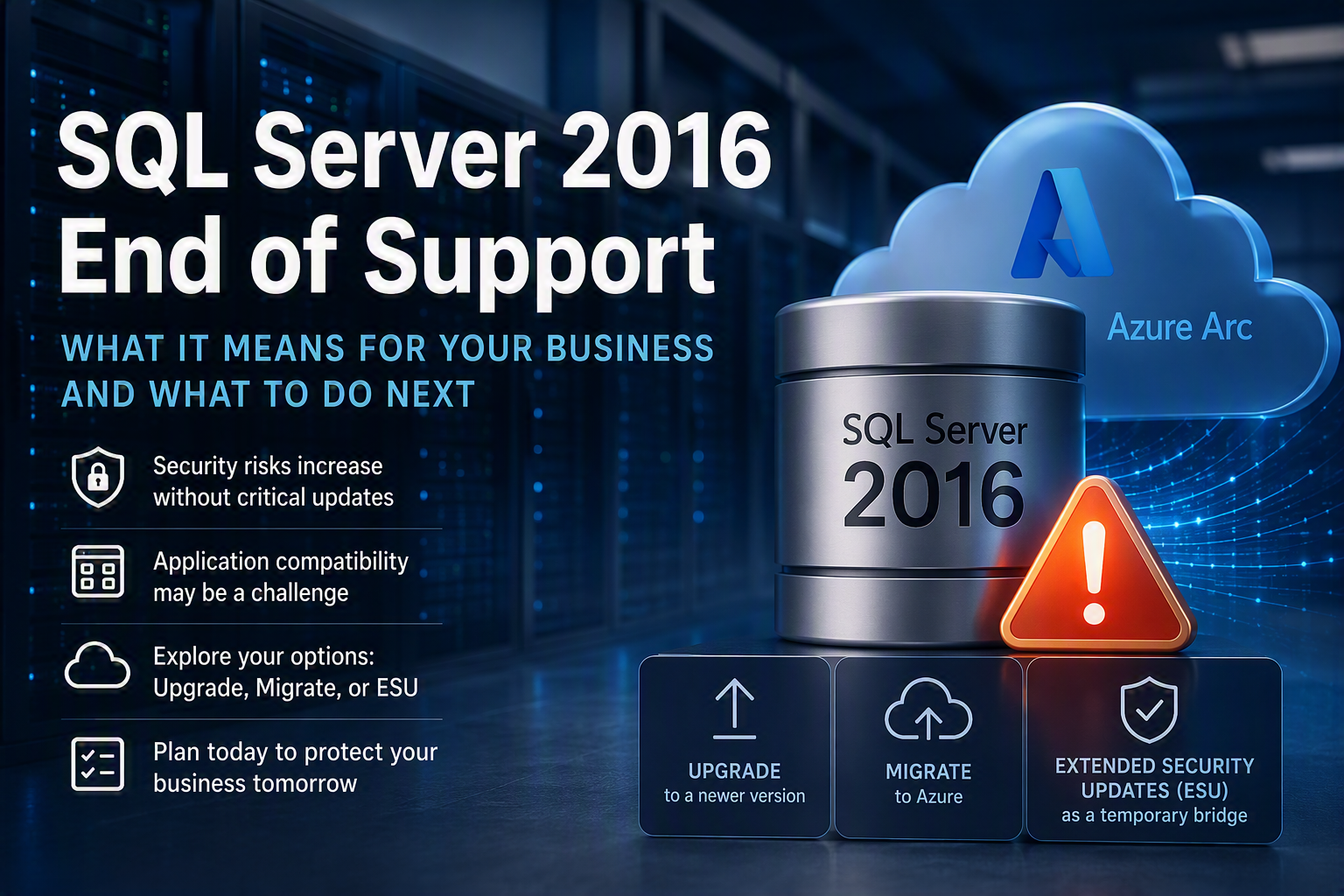
On July 14, 2026, Microsoft officially ended support for SQL Server 2016 after completing its 10-year product lifecycle. This means organizations still running SQL Server 2016 will no longer receive regular security updates, bug fixes, or technical support from Microsoft.
While your databases will continue to function, remaining on an unsupported platform significantly increases cybersecurity, compliance, and operational risks over time. Microsoft warns that unsupported systems become more vulnerable to emerging threats and may create compliance concerns for regulated organizations.
Why This Matters
For many businesses, SQL Server is the backbone of critical applications, reporting systems, ERP platforms, and customer databases. Running an unsupported database platform can expose your organization to:
Increased cybersecurity risk
Compliance and audit challenges
Reduced vendor support options
Compatibility issues with newer applications
Higher operational and maintenance costs
As cyber threats become increasingly automated and sophisticated, maintaining supported infrastructure is more important than ever.
Your Options Moving Forward
Microsoft outlines three primary paths for organizations still using SQL Server 2016:
Option 1: Migrate to Azure SQL
Azure SQL services can provide a modernized database platform with built-in security, scalability, simplified management, and support for future innovation initiatives.
This option is particularly attractive for organizations looking to reduce infrastructure management overhead while improving resilience and business continuity.
Option 2: Upgrade to a Newer SQL Server Version
Organizations that prefer to keep workloads on-premises can upgrade to a supported version such as SQL Server 2022 or SQL Server 2025, gaining access to newer security features, improved performance, and enhanced capabilities.
Option 3: Extended Security Updates (ESU)
If you're unable to complete a migration immediately, Microsoft offers Extended Security Updates (ESU) for eligible organizations. ESUs provide up to three additional years of critical security updates, allowing more time to plan and execute a long-term migration strategy.
However, ESUs should be viewed as a temporary bridge—not a replacement for modernization. They do not provide new features, full product support, or long-term protection.
How RMON Networks Can Help
Many organizations don't know where SQL Server is being used across their environment. In some cases, legacy applications, line-of-business software, or vendor-managed systems may still rely on SQL Server 2016.
RMON Networks can help you:
· Identify SQL Server 2016 instances across your environment
· Assess application dependencies and business impact
· Develop a migration or upgrade roadmap
· Implement Azure SQL or SQL Server upgrades
· Reduce compliance and cybersecurity risks
· Create a long-term modernization strategy
Don't Wait Until a Security Issue Forces Action
If your organization is still running SQL Server 2016, now is the time to evaluate your options. The longer unsupported systems remain in production, the greater the potential risk to your business.
Not sure if SQL Server 2016 exists in your environment? Contact RMON Networks for a SQL infrastructure assessment and migration consultation