The Hidden Cost of “It’s Working Fine”
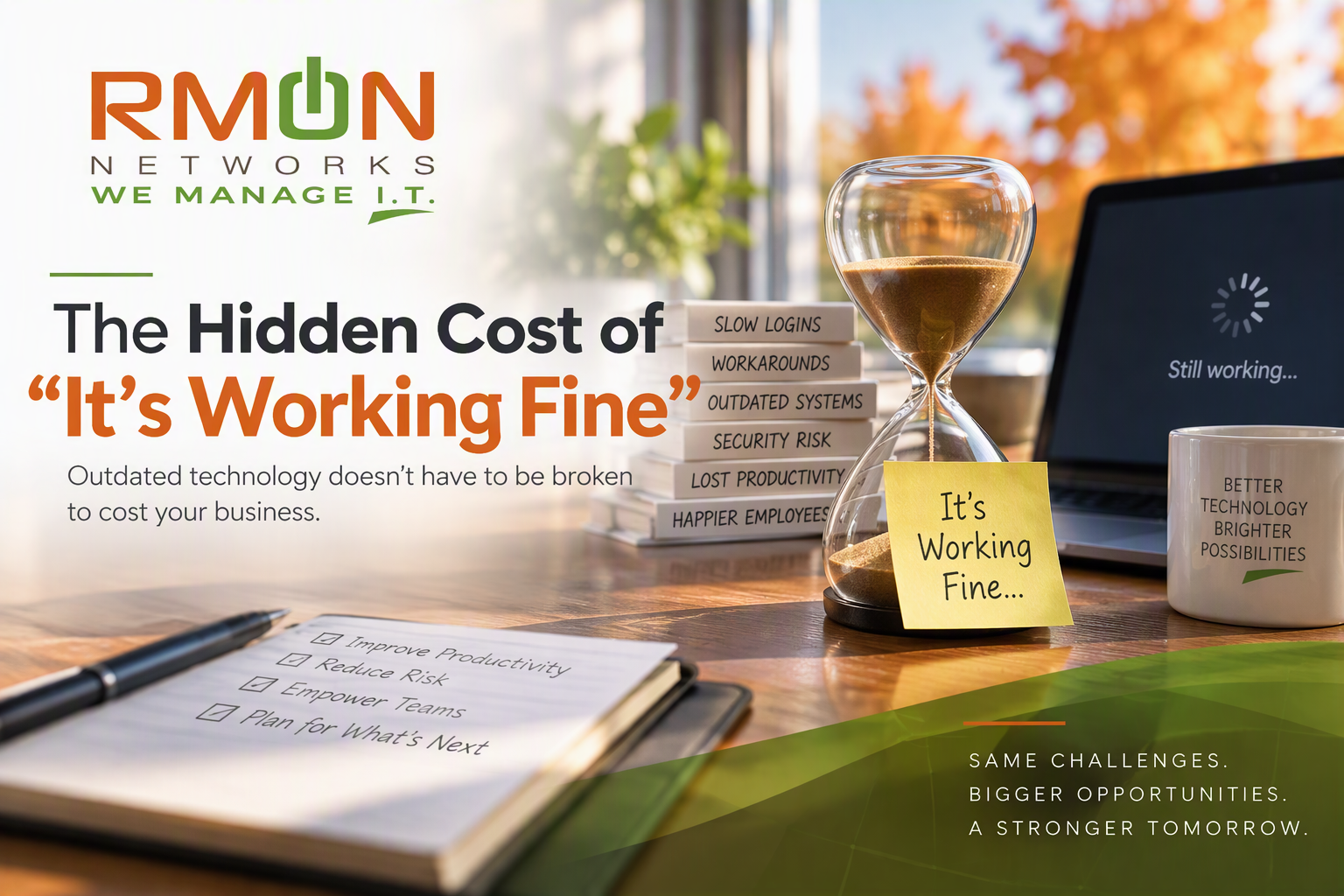
There may be four words responsible for keeping more outdated technology around than almost anything else:
“It’s working fine.”
The computer still turns on.
The server is still running.
The application still opens.
The Wi-Fi mostly works.
The employees have figured out the workaround.
So why change anything?
Because working and working well for the business are two very different things.
Technology rarely goes from perfect to broken overnight. More often, it slowly becomes less efficient, less secure and less suited to the way the business operates today.
And because that decline happens gradually, businesses get used to it.
That's where "it's working fine" can get expensive.
The Cost You Don't See on an Invoice
When old technology finally fails, the cost is obvious.
There's an invoice for a replacement. Maybe there's emergency labor. Employees can't work. Customers may be affected.
But outdated technology can cost a business long before anything actually breaks.
Consider an employee who waits an extra minute or two every time a computer starts up.
Or a team that manually enters information into two systems because the applications don't communicate.
Or the employee who says:
"Don't click that until this finishes or it crashes."
Everyone adapts.
Employees learn the quirks. They create workarounds. They restart things. They wait.
Eventually, those inconveniences become part of the workday.
Multiply a few lost minutes across multiple employees, multiple times a day, over an entire year, and suddenly "it's working fine" doesn't look quite as inexpensive.
Your Employees May Be Paying the Price
One of the most overlooked technology costs doesn't appear in the IT budget.
It appears in your employees' time.
Slow computers, unreliable applications, poor connectivity and cumbersome processes create friction throughout the workday.
One interruption may be insignificant.
But when it happens over and over again, employees spend time managing technology instead of using technology to do their jobs.
There is also a more subtle problem.
People stop expecting things to get better.
Instead of reporting another problem, someone finds a workaround.
Instead of questioning an inefficient process, the team accepts that "this is just how we do it."
Instead of finding a better way, employees build their day around the limitations of the technology.
That's when a technology problem starts becoming a business process problem.
"Old" Isn't Necessarily the Problem
It's important to make a distinction here.
Older isn't automatically bad.
If a five-year-old piece of technology remains secure, supported, reliable and appropriate for the job, replacing it simply because of its age may not make business sense.
The problem is technology that has become:
Unsupported
Unreliable
Difficult to secure
Expensive to maintain
Incompatible with newer systems
A barrier to productivity
Dependent on workarounds
Unable to support where the business is going
That's a very different definition of "old."
The question isn't:
How old is it?
The question is:
Is it still doing what the business needs it to do?
Security Has an Expiration Date Too
There's another reason "it's still working" can be misleading.
A device or application can operate perfectly well while becoming increasingly difficult to secure.
Aging operating systems eventually lose support. Applications stop receiving updates. Older hardware may not support newer security features. Legacy software can create dependencies that make other systems difficult to upgrade.
Nothing necessarily looks wrong to the person using it.
Email still arrives.
The application still runs.
Files still open.
But what's happening behind the scenes can be very different.
Functional doesn't always mean secure.
That's why lifecycle planning should be part of a company's cybersecurity strategy, not simply its equipment budget.
The Workaround Test
Want a simple way to identify technology that may need attention?
Listen for workarounds.
"You have to restart it first."
"Don't update that computer."
"Only one person knows how that works."
"We enter that information manually."
"You'll need to email that file to yourself."
"We still need that old computer because it runs this application."
"It's slow in the afternoon."
"We haven't changed it because we're afraid something will break."
Those aren't necessarily signs that something needs to be replaced tomorrow.
But they're clues.
Workarounds are often symptoms of technology that no longer fits the business as well as it once did.
And those symptoms are worth paying attention to.
There's a Cost to Waiting Too Long
Businesses have every reason to want to get as much life as possible out of their technology investments.
Replacing technology unnecessarily isn't good strategy either.
The problem comes when extending the life of an investment becomes the goal rather than getting value from the investment.
A planned replacement gives you options.
An emergency replacement takes many of those options away.
Instead of evaluating alternatives, budgeting appropriately and scheduling the change when disruption will be minimal, the priority becomes:
"Get us working again."
That's usually not the ideal environment for making an important technology decision.
Look Beyond the Purchase Price
One reason businesses hold onto aging technology is easy to understand.
New technology costs money.
But the comparison shouldn't simply be:
Cost of keeping it: $0
versus
Cost of replacing it: $X
Keeping it isn't necessarily free.
The real comparison should consider things like:
Employee time lost waiting or troubleshooting
Ongoing support and maintenance
Security exposure
Downtime risk
Application compatibility
Manual processes and workarounds
Lost productivity
Lost opportunities to automate
The potential impact of an unexpected failure
Then compare that against the cost and potential benefit of making a change.
Sometimes the right business decision will still be:
Keep it another year.
That's perfectly reasonable.
But now it's an intentional decision based on value and risk, not simply "it's working fine."
What Could “Working Better” Look Like?
There's another side to this conversation that's easy to overlook.
Technology planning isn't only about preventing failures.
It's also about finding opportunities to improve the business.
A new solution might allow employees to:
Save 15 minutes on a repetitive task.
Access information more easily.
Automate a manual process.
Work more effectively from different locations.
Collaborate without creating multiple copies of the same document.
Use AI to accelerate routine work.
Provide a better experience for customers.
Those improvements may not sound dramatic individually.
But multiplied across dozens of employees and hundreds of workdays, relatively small improvements can have a significant impact.
Instead of only asking:
"What's wrong with what we have?"
Try asking:
"What could we do better if technology weren't getting in the way?"
That's often where the more interesting opportunities emerge.
Preparing for 2027? Look for the Technology Everyone Has Learned to Live With
As you plan for 2027, don't only look at what's obviously broken.
Look at what's almost working.
Look for the application employees complain about but continue using.
The computer everyone knows is slow.
The repetitive process nobody has revisited in years.
The piece of equipment you've been planning to replace "eventually."
The system dependent on the one person who knows how to use it.
The technology creating workarounds everyone has simply accepted.
Those are often the areas where some of the best opportunities for improvement are hiding.
“It’s Working” Is a Pretty Low Bar
Technology should do more than turn on.
It should help your people work effectively. It should protect your information. It should support your business today and be able to take you where you're going tomorrow.
That doesn't mean replacing everything old.
And it certainly doesn't mean chasing every new technology that comes along.
It means knowing when something that still works is no longer working for the business.
As you prepare for 2027, maybe that's the better standard.
Don't just ask:
"Is it working?"
Ask:
"Is it working well enough for where we're going next?"
The difference between those two questions could uncover some of your best technology priorities for the year ahead.
RMON Closing / CTA
What Has Your Business Learned to Live With?
Sometimes the biggest opportunities aren't the obvious technology problems. They're the little frustrations, workarounds and limitations your employees encounter every day.
At RMON Networks, we help businesses step back, identify where technology is creating unnecessary friction or risk, and build a practical roadmap for what should happen next.
Because “working fine” shouldn't be the standard. Your technology should be working for your business.
Let's Talk About Your 2027 Technology Priorities