
Windows Is Giving Businesses More Control Over App Privacy: What SMBs Should Know
Most businesses spend a lot of time thinking about passwords, phishing, antivirus protection, and multifactor authentication. But there is another layer of security that often gets far less attention: what the applications installed on your computers are allowed to access.
Microsoft is taking another step toward addressing that issue.
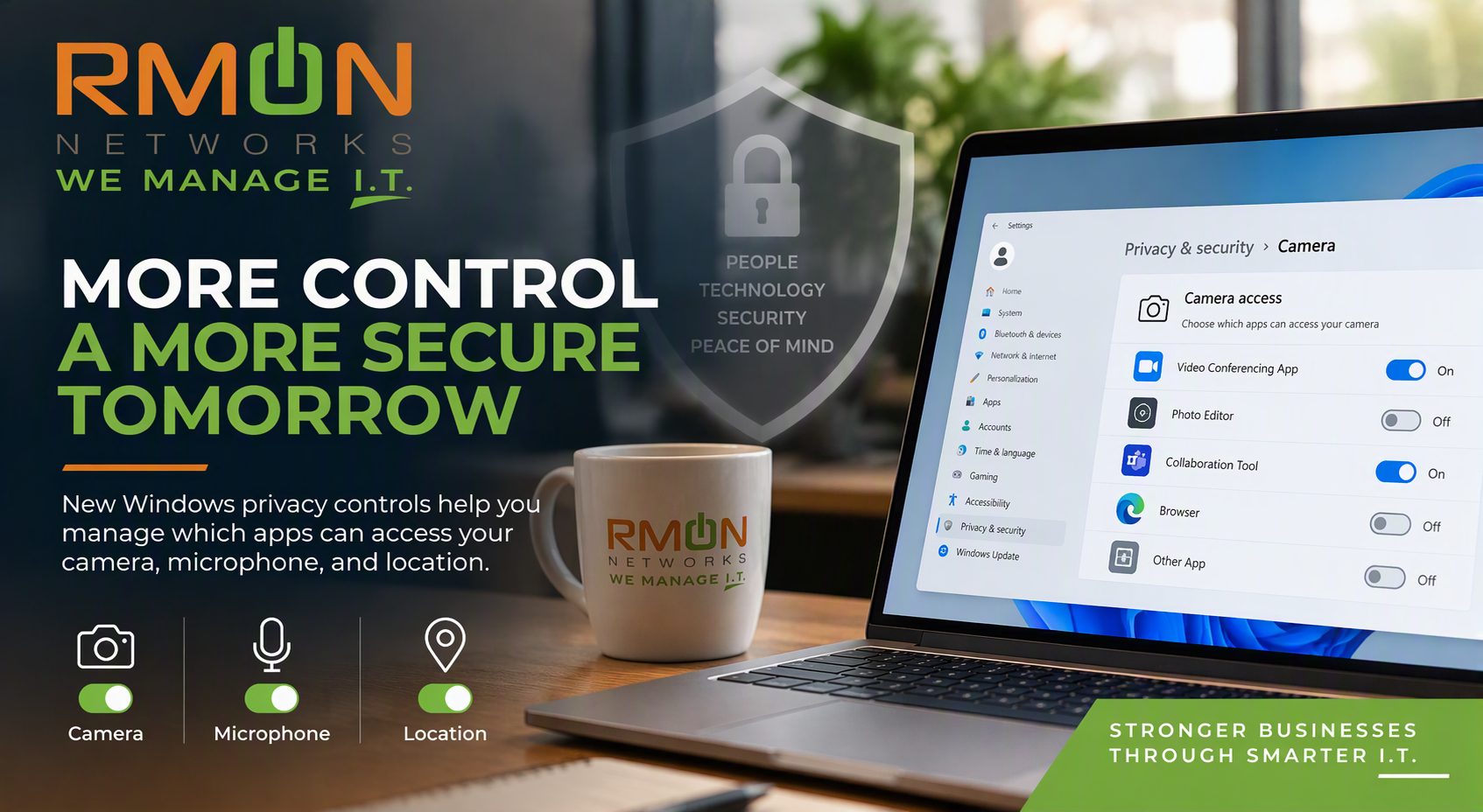
In a recent Windows IT Pro Blog announcement, Microsoft revealed that Windows Insiders in the Experimental channel can now manage camera, microphone, and location access individually for desktop applications. Previously, traditional desktop applications were largely governed by a single global permission setting.
It may sound like a relatively small Windows change, but it represents a much larger security principle businesses should be thinking about:
Applications should only have access to the information and resources they actually need.
Moving Away From the "All or Nothing" Approach
Historically, Microsoft's privacy controls for traditional desktop applications haven't always provided the same level of individual control users might expect from modern apps.
According to Microsoft, camera, microphone, and location access for desktop apps has traditionally been controlled through a global toggle. When enabled, desktop applications could access the resource. Turning it off prevented desktop apps from accessing it entirely.
The new experience introduces more granular controls.
Windows users will be able to:
See which desktop applications have requested access to the camera, microphone, or location.
Review permissions for individual applications.
Change those permissions later through Windows Settings.
Microsoft says existing permission choices will remain intact unless the user changes them, while newly installed applications will request permission the first time they need access to one of these resources.
For businesses, that's an important distinction. Instead of simply asking, "Is microphone access enabled?", organizations can increasingly think in terms of" Which applications actually need microphone access?"
Why This Matters for Small and Midsize Businesses
This update speaks to a broader security concept: least privilege.
The idea is simple. Users, applications, and services should receive access only to the resources required to perform their jobs.
Think about how many applications are installed across the average employee's computer. Conferencing apps may legitimately require a microphone and camera. Other applications may need one of these resources occasionally. Some may have no legitimate business need for them at all.
More granular controls can give users and eventually administrators better visibility into those relationships.
Microsoft specifically says its goals include making requests for sensitive resources clearer, enabling decisions at the individual application level, and giving users greater transparency and control.
That makes this more than a privacy feature. In our view at RMON, it is another example of the broader shift toward more intentional access management across the modern workplace.
Pay Particular Attention to Unsigned Applications
One part of Microsoft's announcement deserves special attention from businesses.
If Windows cannot verify the publisher of an application requesting access, Microsoft says Windows will identify that application as "Unsigned." Microsoft emphasizes that this designation doesn't automatically mean the software is unsafe. It means Windows has less information available about its source.
Microsoft recommends verifying that you recognize the application, obtained it from a trusted source, and are comfortable giving it access before approving camera, microphone, or location permissions.
That is good advice for businesses as well.
Employees shouldn't need to become cybersecurity experts, but they should understand that a permission request is a security decision, not simply another pop-up to click through.
What Should Businesses Do Today?
It's important to put the announcement in perspective.
This isn't yet a reason to change your organization's Windows configuration overnight. Microsoft says the capability is currently being introduced through the Windows Insider Experimental channel, with the early release being used to refine areas such as application identification and usability before broader availability.
Microsoft also confirms that existing enterprise policy controls remain in place and says it is exploring additional enterprise management capabilities.
But businesses can use this announcement as an opportunity to ask some useful questions:
Do we know what software is installed across our organization?
Are employees installing applications outside our normal approval process?
Do users know what to do when an unfamiliar application requests access to sensitive resources?
Are application permissions part of our overall endpoint security strategy?
Those conversations matter regardless of when Microsoft's new controls reach your organization's Windows devices.
Security Is Increasingly About Controlling Access
Cybersecurity isn't just about stopping something malicious from getting into your network.
It is also about controlling what legitimate applications, users, and services can access once they're there.
Microsoft's new Windows privacy controls are another example of that evolution. Giving users more granular visibility into camera, microphone, and location permissions can help make access decisions more understandable while allowing applications that legitimately require those resources to continue functioning.
For SMBs, the takeaway isn't that everyone needs to immediately start changing Windows settings.
The takeaway is that visibility and least-privilege access are becoming increasingly important throughout the technology environment, from user accounts and cloud applications to endpoints and the software running on them.
At RMON Networks, we believe good cybersecurity starts by understanding what's in your environment, who and what has access to it, and whether that access is actually necessary.
Not every application needs access to everything. And increasingly, Windows is giving businesses and users better tools to make that distinction.
Is Your Microsoft Environment Configured for Security and Privacy?
As Microsoft continues adding new security and privacy capabilities to Windows and Microsoft 365, knowing which settings matter for your business can be challenging. RMON Networks can help you evaluate your Microsoft environment, identify security gaps, and make sure your technology is configured around the way your organization actually works.