
You Already Have the Tools. Now Let’s Make Them Work Smarter.
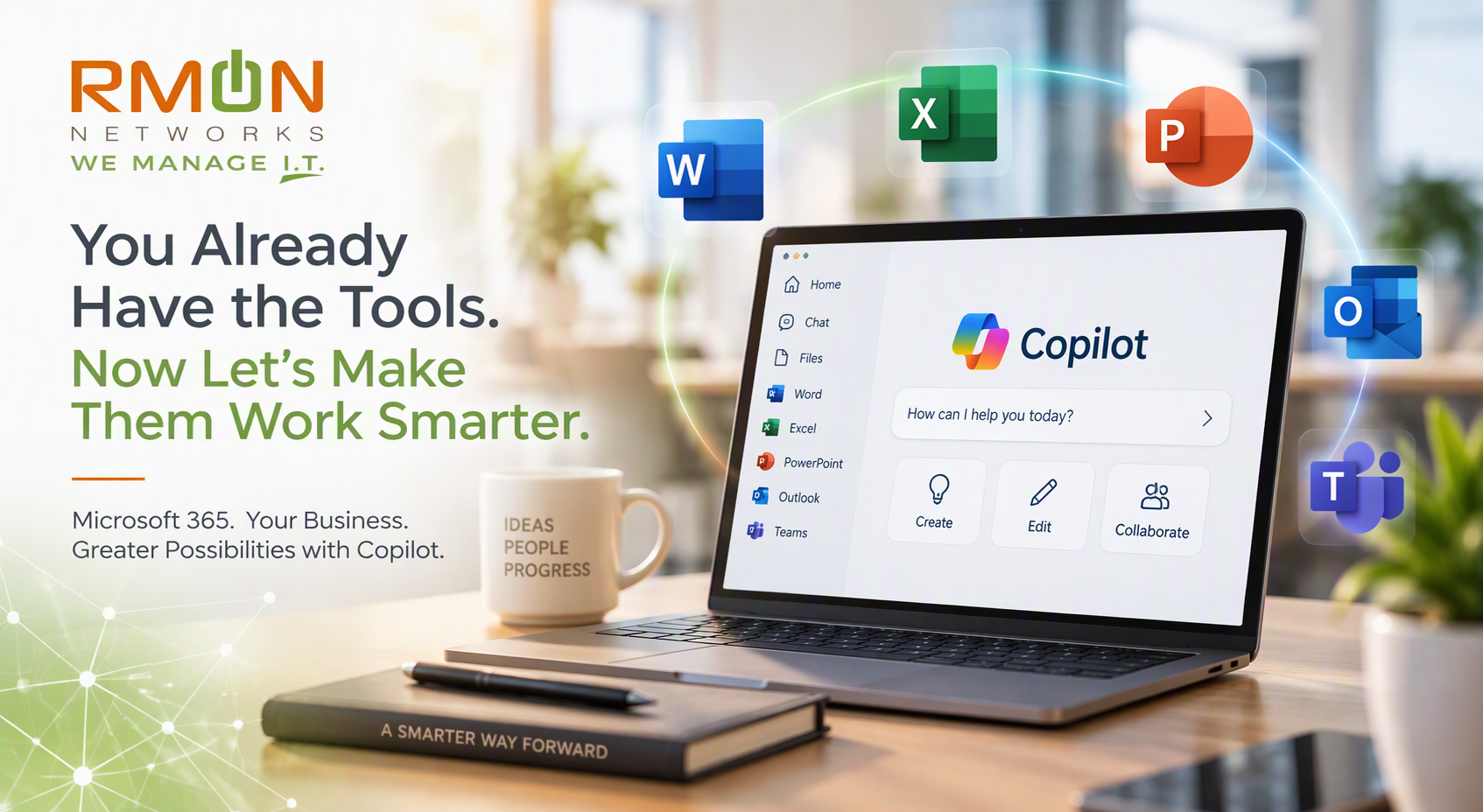
If your business uses Microsoft 365, chances are your team spends a good part of every day in Word, Excel, PowerPoint, Outlook, and Teams.
You already have the tools.
The question is:
Could they be helping your team do more?
When businesses start thinking about artificial intelligence, the conversation often begins with, “How should we use AI?”
We think there’s a better question:
How can AI make the work we’re already doing easier?
This is where Microsoft's AI tool Copilot becomes interesting.
Microsoft is bringing familiar Office creation and collaboration capabilities more directly into Copilot, connecting AI with the applications people already use to get work done. In its recent Introducing Office in the new Microsoft Copilot app announcement, Microsoft describes an experience where users can start with an idea in Copilot and continue working on a Word document, Excel spreadsheet, or PowerPoint presentation without losing the context of the work.
For small and midsized businesses, that may be one of the most compelling reasons to look at Copilot.
You’re not simply adding another tool. You’re exploring how AI might improve the work your employees already do.
Think About the Work Behind the Work
Consider a familiar task: creating a customer proposal.
The final product might be a Word document, but getting there often requires much more. Someone needs to gather information, organize notes, create a first draft, revise it, incorporate feedback, and prepare the final version.
Or maybe it’s a presentation. A team needs to assemble information, develop the story, create slides, make sure everything follows the company’s branding, and revise it based on feedback.
Then there are spreadsheets, reports, summaries, research and all the other tasks that fill a typical workday.
Much of the effort isn't necessarily the final task.
It's everything required to get there.
That's a strategic way to think about using Copilot.
From an Idea to Finished Work
Microsoft is designing Copilot to support more of that journey.
For example, Microsoft describes asking Copilot to turn research notes into a customer-ready launch brief that includes an executive summary, key messages, risks, and next steps.
Copilot can create the Word document alongside the conversation. From there, the user can continue refining the document through additional prompts, edit it directly using familiar controls, and collaborate with others.
That distinction matters.
AI isn't valuable simply because it can generate content.
The bigger opportunity is using AI to reduce the friction between an idea and the finished work.
Your Team Still Remains Part of the Process
Working smarter with AI doesn't mean removing people from the process.
Microsoft's Office-in-Copilot experience incorporates sharing, comments, coauthoring, and presence, allowing people to continue collaborating in the same file. Changes are visible in real time rather than requiring separate drafts to be reconciled.
Microsoft also says files stored in OneDrive retain their formatting, comments, sharing permissions, version history, security labels, compliance, and governance controls.
That's an important consideration for businesses evaluating AI. Productivity matters, but so do the security, governance, and collaboration practices surrounding your information.
Word, Excel and PowerPoint Are Getting Smarter
Copilot is also becoming more deeply connected with the individual Office applications.
Microsoft says Copilot in PowerPoint can help maintain branding, refine slides and images, and apply custom templates. In Excel, users can review edits made by Copilot, understand what changed, and receive chart recommendations when creating visualizations.
Microsoft is also introducing Skills and connectors into Microsoft 365 workflows to provide more specialized assistance for different tasks and roles.
Taken together, these changes point toward a different way to think about business AI.
Instead of asking:
Where can we add AI?
Try asking:
Where could AI help to remove friction from the way our people work today?
Where Could Copilot Help Your Business?
You can start by looking at the work your employees already do.
Ask a few simple questions:
What documents do we create repeatedly?
Which reports require the same work every week or month?
Where do employees spend time gathering and organizing information?
What information are we repeatedly moving from one place to another?
Which processes involve multiple drafts and revisions?
Where does administrative work get in the way of higher-value work?
Which tasks could become easier if an employee had AI assistance along the way?
You don't need dozens of use cases.
In fact, a few meaningful opportunities tied to real business needs may be a better place to begin than trying to introduce AI everywhere at once.
RMON’s Take: Start With the Work, Not the AI
AI can be exciting. That can also make it tempting to focus on the technology first.
We recommend turning that thinking around.
Start with your people and your processes.
Look at how employees are using Microsoft 365 today. Identify where work slows down, where repetitive tasks consume time, and where information is difficult to turn into something useful.
Then ask whether Copilot could help.
From there, organizations can consider the broader pieces of AI adoption, including their Microsoft 365 environment, security and governance requirements, appropriate use cases, and employee education.
Simply making Copilot available isn't the goal.
Helping your organization use it in ways that create practical business value is.
You Already Have the Tools. Let’s Make Them Work Smarter.
For many businesses, the first step toward AI doesn't have to be a massive transformation.
It can start with something much simpler:
Look at the tools your employees already use and the work they're already doing. Then identify where AI could make that work easier, faster, or more effective.
That's a conversation RMON can help you have.
Ready to explore where Microsoft Copilot could fit into your business? Talk with RMON Networks about practical opportunities to make the tools you already use work smarter.