Your Developers May Be Secure. But What About Their Development Tools?
Why software supply-chain security should be on every growing business's radar
Businesses put a lot of effort into protecting their networks, employees and data. But there's another potential entry point that's easy to overlook:
The software tools your developers trust every day.
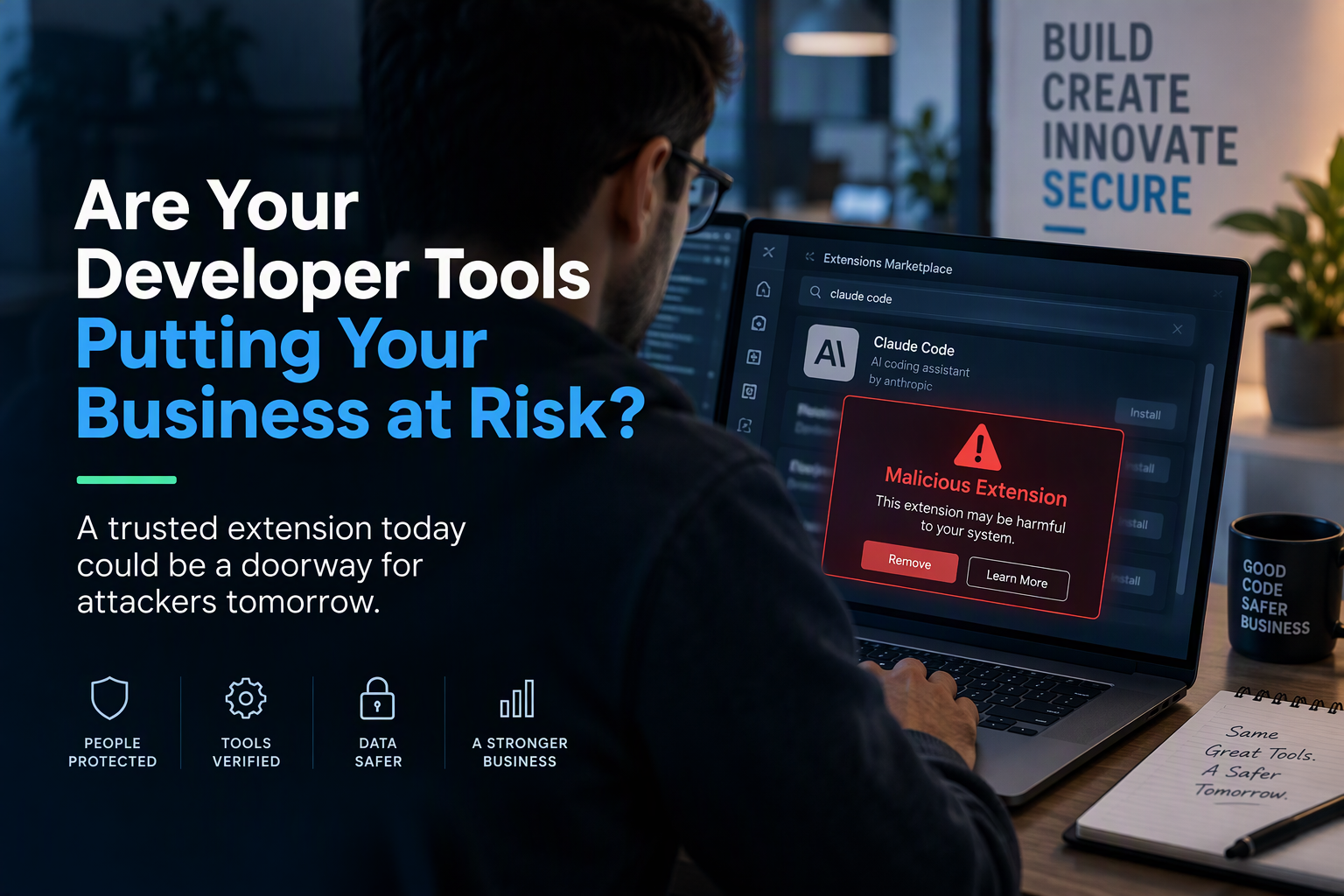
A recent incident involving the Cursor developer marketplace provides a good example. Attackers distributed malicious versions of an extension that appeared to be associated with Anthropic's Claude Code. The modified versions weren't created or published by Anthropic, but they were available in Cursor's marketplace for roughly 11 hours before being removed.
The malicious software attempted to collect information from developer computers, execute commands, modify files and establish persistent remote access.
For an SMB, the lesson is bigger than this particular incident:
A trusted-looking software tool can potentially become a doorway into your business.
Why Developers Can Be Valuable Targets
Think about what a developer may have access to:
Company source code
Cloud platforms
API keys and credentials
Customer or application data
Software deployment systems
Development and testing environments
AI coding tools
Compromising a developer's computer can therefore give an attacker something potentially more valuable than the computer itself: access to other systems.
And as businesses adopt more cloud services, open-source software and AI coding assistants, the number of tools within the development environment continues to grow.
That doesn't mean businesses should avoid these technologies. It means they need to think more carefully about what they trust and what that trusted software can access.
Five Practical Ways SMBs Can Reduce the Risk
1. Know What Your Developers Are Installing
Developers shouldn't install extensions, plug-ins or AI coding tools simply because they recognize the name.
Organizations should encourage them to verify:
Who published the software?
Did it come from an authorized source?
What permissions does it need?
What company resources can it access?
Businesses with development teams should consider maintaining an approved list of development tools and extensions.
2. Limit Administrator Access
One important safeguard worked during the Cursor incident.
The malicious extension attempted to enable SSH access, but Cursor reported that this required administrator privileges that the extension didn't have on most affected Windows and macOS systems. That prevented an important part of the attack from succeeding in those cases.
It's a good reminder of a basic security principle:
Don't give users or applications more access than they actually need.
3. Protect Developer Credentials
If a developer's computer were compromised tomorrow, what could an attacker reach from it?
Pay particular attention to credentials that provide access to:
Cloud environments
Source-code repositories
Microsoft 365
Business applications
Software deployment systems
Production environments
One compromised computer shouldn't automatically provide access to everything else.
4. Treat AI Development Tools Like Any Other Business Application
AI coding assistants are becoming powerful productivity tools, but they can also interact with source code, files and development environments.
Businesses should ask the same questions about AI tools that they would about any other software:
Who makes it? What can it access? What permissions does it have? And what would happen if it were compromised?
AI tools don't need to be avoided. They need to be governed.
5. Have a Plan When Something Goes Wrong
Simply uninstalling suspicious software may not solve the problem.
In the Cursor incident, the malicious extension could establish persistence outside the extension itself. Cursor advised affected organizations to isolate potentially compromised systems, investigate unauthorized changes and determine whether systems needed to be rebuilt.
That's why businesses need a response plan before an incident occurs.
The 30-Second Security Check
Before someone installs a new extension, AI tool or development utility, encourage them to ask:
SOURCE
Do I know where this software came from?
PUBLISHER
Have I verified who actually created it?
ACCESS
What company information and systems can it access?
PERMISSIONS
Does it really need the access it's asking for?
IMPACT
If this tool were compromised tomorrow, what else could an attacker reach?
That final question may be the most important.
Cybersecurity isn't only about deciding whether something is trustworthy today. It's also about limiting the damage if that trust is eventually broken.
Secure the Code. Secure the Developer. Secure the Toolchain.
Today's development environment extends far beyond the code developers write. It includes cloud platforms, open-source packages, extensions, automated systems and increasingly AI-powered development tools.
For SMBs, protecting that environment doesn't need to mean creating layers of complicated policies.
Start with the fundamentals:
Verify the source.
Limit privileges.
Protect credentials.
Monitor devices.
Control access.
Have a response plan.
Because protecting your business isn't just about securing the software your developers create.
It's also about securing the tools they trust to create it.
The RMON Perspective
At RMON Networks, we encourage businesses to look at cybersecurity in terms of business risk, not just individual security products. Understanding what your employees and developers can access, which tools they trust, and how far an attacker could move if one of those tools were compromised is an important part of building a more resilient business.
Cyber threats will continue to change. Good security fundamentals help your business change with them.